
You’re in.
Welcome to
the family.
Your next chapter starts here. Take powerful teachings, prayer, and the ECM community with you, wherever you go.
You’re already registered.
Sign in with the email and password you just created.
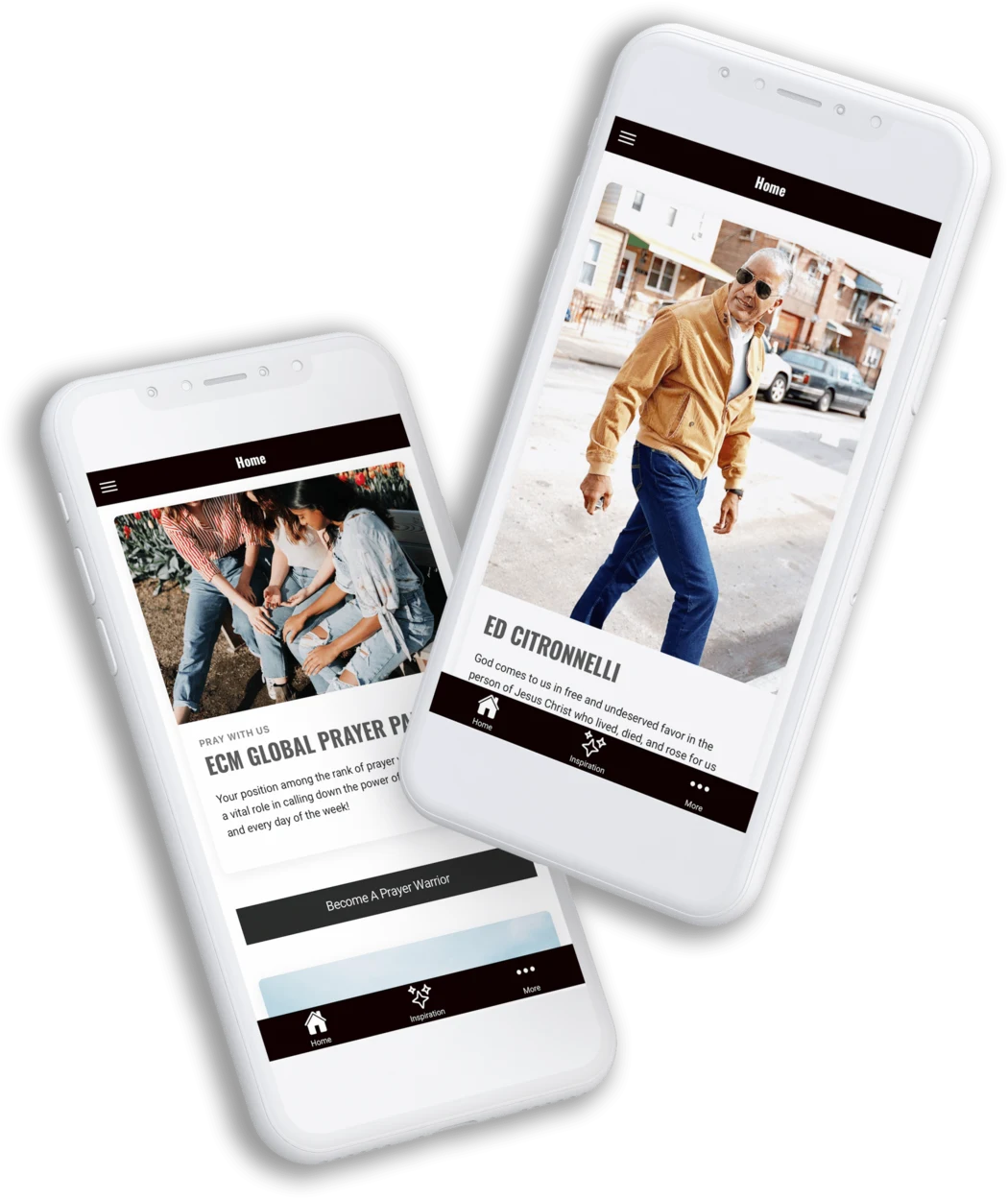
A lot more connected.
A few taps.
A whole new connection.
You’ve joined the family. Here’s how to settle in.
-
1
Download the app
Find EC Ministries in the App Store or Google Play using the buttons above.
-
2
Sign in to your account
Use the same email and password you created on this website. Your account is already set up.
-
3
Make yourself at home
Explore a teaching, join in prayer, and get connected with your ECM community.
Faith doesn’t stop
when life gets busy.
A word of encouragement. A moment of prayer.
A reminder that you belong. It’s all closer now.

Fuel for your faith.
Revisit sermons and teachings, and make room for encouragement in your everyday.

Be part of the moment.
Stay connected with live events and the life of the ministry, wherever you are.

A family beyond borders.
Share in prayer and grow alongside a global community of believers.
Do I need to create another account?
You’re already registered. Open the app and sign in with the same email address and password you used to create your account on this website.
What if I forgot my password?
Use the password reset page and enter the email address you registered with. Then use your new password to sign in to the app.
Can I still access my account on the web?
Yes. You can manage your account on the website, including your account details and membership payments.
Who can help me sign in?
Email In**@*********************es.com and our team can help you get connected. Please keep your password private.
Your family.
Now in your pocket.
Download the app. We’ll see you inside.